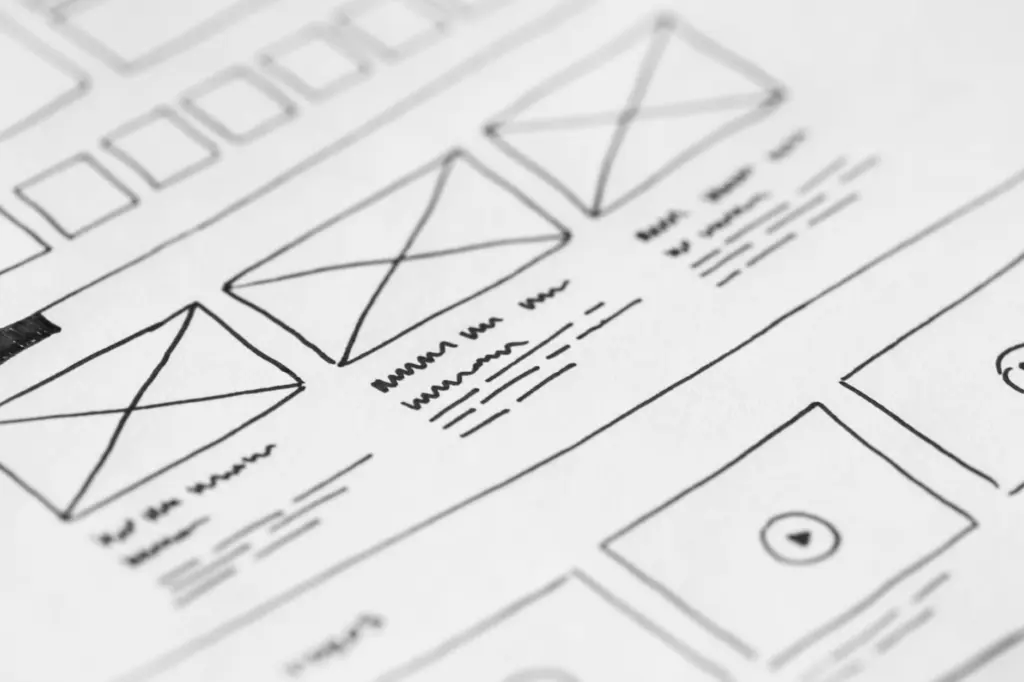
A film storyboard template gives each shot a numbered panel with an image box and a notes area. Fill in the scene and shot number, INT. or EXT., a sketch, then shot type, camera direction, dialogue and action.
Treat the finished board as one working page of your wider video production checklist, so the shot plan stays tied to the schedule and crew needs.
How a storyboard template works
A storyboard template is a visual tool that New York Film Academy-style film school guidance describes as a way to plan out each shot of a scene or sequence. The template supplies the repeating structure, so you spend your time on decisions about the shots rather than on drawing boxes.
The classic storyboard is a sequence of drawings, typically with some directions and dialogue, representing the shots planned, as Diorama Film Festival’s guide puts it. In pre-production the director and team visualize the scenes and shots from the script, and the storyboard captures that visualization. It also clarifies the placement of characters, their expressions, camera angles and setting for the crew.
The practical value is shared understanding. The National Film Institute guide notes that writers, directors, cinematographers, editors, storyboard artists and other production professionals rely on storyboards. Typical uses include organizing plot points, scouting locations and blocking scenes for actors. A director uses the board to test ideas before the shoot, and a cinematographer reads the same page for framing and camera needs.
Template fields and what each one is for
Every panel needs the same handful of fields, and the table below shows what belongs in each and why it earns its space. Shot size and camera movement sit inside the notes area, not in separate boxes, so leave room for them.
| Field | What goes in it | Planning use |
|---|---|---|
| Scene and shot number | A combined number; “5.6” means scene 5, shot 6 | Ties each panel to the script and keeps panels in a shot-list order |
| Interior or exterior label | INT. or EXT. | Shows location type at a glance when reviewing a sequence |
| Image box | A sketch, or a photo, of what is in the frame | Fixes composition and character placement before the shoot |
| Shot explanation | Shot type and camera directions, dialogue, action lines, sound effects | Holds shot size and camera movement details the picture cannot show |
| Scene breakdown | Dialogue, action and timing | Helps you check pacing and decide how many panels a scene needs |
| Page number | A number on every page, printed or digital | Keeps sequences in order when pages are shuffled or shared |
Field definitions come from the National Film Institute’s storyboard template guide, and the dialogue, action and timing breakdown comes from Boords’ storyboard examples.
Shot size and camera movement
Boords notes that storyboards show close-ups, wide shots, point-of-view (POV) shots and special effects, which together make up your shot list. Name the shot size in the notes area every time, even when the drawing seems obvious. For camera movement, record what is moving in each shot and in which direction, which is what the Boords sample board does.
Filling out a storyboard template step by step
Work through the script scene by scene and complete each panel in the same order, so no field gets skipped.
- Break the scene down. Split it into its core elements of dialogue, action and timing, then decide which beats need their own shot.
- Number the panel. Write scene and shot together, with the scene number first and the shot number after a period.
- Add the location label. Mark the shot as INT. or EXT.
- Fill the image box. StudioBinder explains that panels can use custom drawings, screenshots from comparable videos or photos taken on location, so choose whichever communicates fastest.
- Complete the shot explanation. Add shot type, camera directions, dialogue, action lines and sound effects.
- Number the page. Do this for both physical and digital copies so sequences stay in order.

An example panel
The layout below is illustrative and follows the conventions in the Wikiversity thumbnail storyboard example, which labels lenses as 35 mm film camera equivalents, such as a 135 mm lens. That example uses a wide angle shot to give the feeling of characters being far apart, then records a dolly in to get a better view of a movie poster.
- Panel number: scene number, a period, then shot number
- Location label: INT.
- Image box: a sketch of two characters at opposite ends of the room, with a poster on the wall between them
- Shot size: wide angle, 24mm equivalent, to suggest distance between the characters
- Camera movement: dolly in toward the poster
- Dialogue and action: the line spoken and the movement that triggers the camera move
A panel this size takes seconds to read, which is the test to apply to every box on the page. If a collaborator has to ask what the camera does, the shot explanation needs another line.
Choosing a layout and orientation
The layout decides how much room each panel gets. The National Film Institute guide suggests that a custom template can draw two, four, six or eight empty boxes aligned in one or two columns. It adds that vertical orientation can work for nearly any layout, while landscape suits image-focused boards.
Pick vertical when you want notes beside or beneath each frame, and landscape when drawings carry the plan and notes stay short. If you would rather start from a ready-made file, StudioBinder’s PDF bundle comes in portrait and landscape versions with up to 16 panels per page. Dense pages suit a quick overview of a sequence; fewer, larger boxes suit complicated shots that need written camera directions.
Drawing ability should not hold you back. Boords points out that you do not need illustration skills to make your own storyboard, and photos or screenshots can fill the image box.
Free printable and digital template options
You can start from a printable file, a free app or a layout you build yourself. Each route suits a different working style:
- Printable PDFs for quick rounds. A storyboard template PDF is a graphic layout saved in a portable format, so it prints cleanly and travels easily. StudioBinder offers 60+ free storyboard templates to preview and download, and Boords offers 10 professionally designed templates as ready-to-use PDFs.
- Image search for instant sheets. The National Film Institute notes that a Google Image search pulls up hundreds of options you can print out and fill in right away.
- Free apps for digital boards. The same guide lists Storyboard Composer, Storyboarder and Canva as free options when you want to work on screen.
- Custom builds for specific needs. Microsoft Word, PowerPoint and Adobe Illustrator can all produce a template with the box count and fields you choose.
For a first project, a printed PDF is the lowest-friction choice because it needs no software. Switch to a digital or custom template when several people must edit the same board or when you need extra fields beyond the standard set.
Using the board with your shot list and crew
A storyboard and a shot list do different jobs. The board shows each frame, while the shot list organizes the items behind it, including wide shots, close-ups, POV and effects. Build the board first, then pull the shot list from the shot size and camera movement notes on each panel.
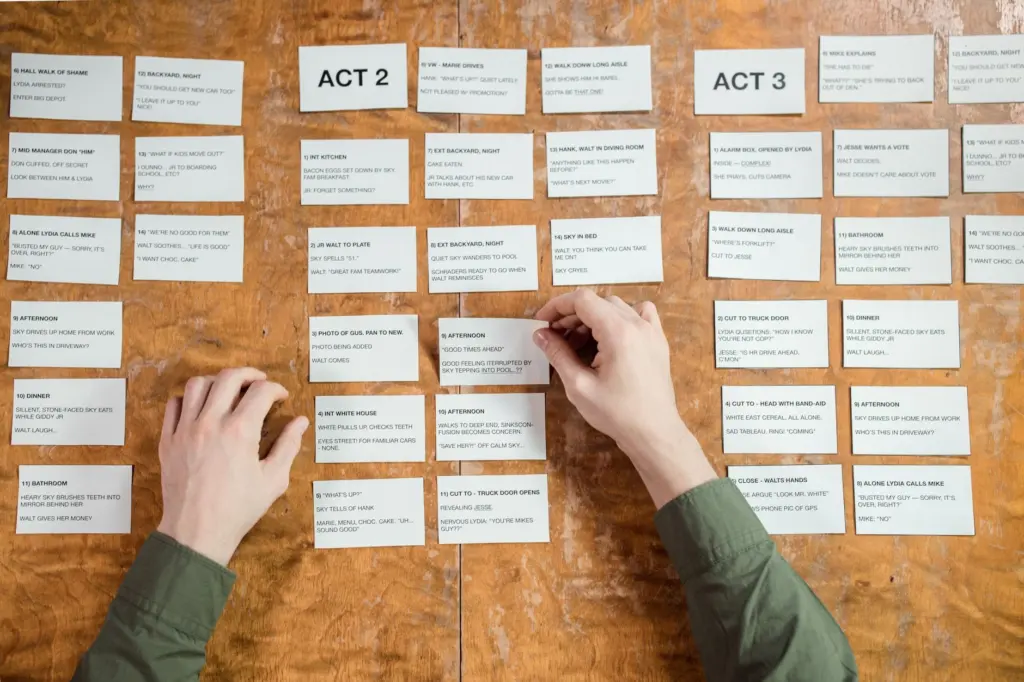
Review the finished pages with the director and the people who will execute them, since the board is a communication tool before it is an art piece. Teams still choosing outside help can compare options in How To Find The Right Video Production Company: A Practical Guide For 2026, and music video teams can read Hire The Right Music Video Production Company: A Practical 2026 Guide To Costs, Process, And Choosing The Best Team. Bringing a completed board to those conversations gives any crew a concrete picture of the shots you expect.
Frequently asked questions
Do I need to draw well to use a storyboard template?
No. Boords says illustration skills are not needed, and StudioBinder notes that panels can use screenshots from comparable videos or location photos instead of drawings.
What is the difference between a shot storyboard and an edit storyboard?
According to the National Film Institute, the storyboard for the shot is typically used in pre-production and production, while the edit storyboard is for post-production.
What does a storyboard template PDF actually contain?
StudioBinder describes it as a graphic layout saved as a portable document format, built for sequencing images. Its bundle includes portrait and landscape versions with up to 16 panels per page.
What should the notes area beside each panel include?
Common entries are shot type and camera directions, dialogue, action lines and sound effects, according to the National Film Institute’s template guide.