Digital art styles shape how artists communicate online and determine how an audience interprets form, mood, and function. This guide explains common digital art styles in detail, offers practical selection frameworks, and outlines the typical tools and workflows for each approach. It also gives concrete practice strategies so artists can choose a clear direction, plan deliberate exercises, and build a consistent body of work that reads clearly across portfolios, client briefs, and digital platforms.
Key Takeaways
- Digital art styles like pixel art, vector art, and digital painting each have unique characteristics that suit different creative projects and audiences.
- Choosing the right digital art style involves matching project goals, audience expectations, platform constraints, and available time and budget.
- Essential tools and common techniques vary by style—pixel artists favor tiled palettes and frame-by-frame workflows, vector artists emphasize scalable paths and typography, and 3D artists rely on modeling, texturing, and lighting pipelines.
- Consistent practice, studying references with intent, and iterating on feedback are crucial to developing a personal digital art style.
- Organized workflows with version control, backups, naming conventions, and automation significantly increase reliability and speed across styles.
- Building a focused portfolio, publishing regularly, and tracking audience response help artists refine and showcase a signature digital art style over time.
Major Digital Art Styles And What Defines Them
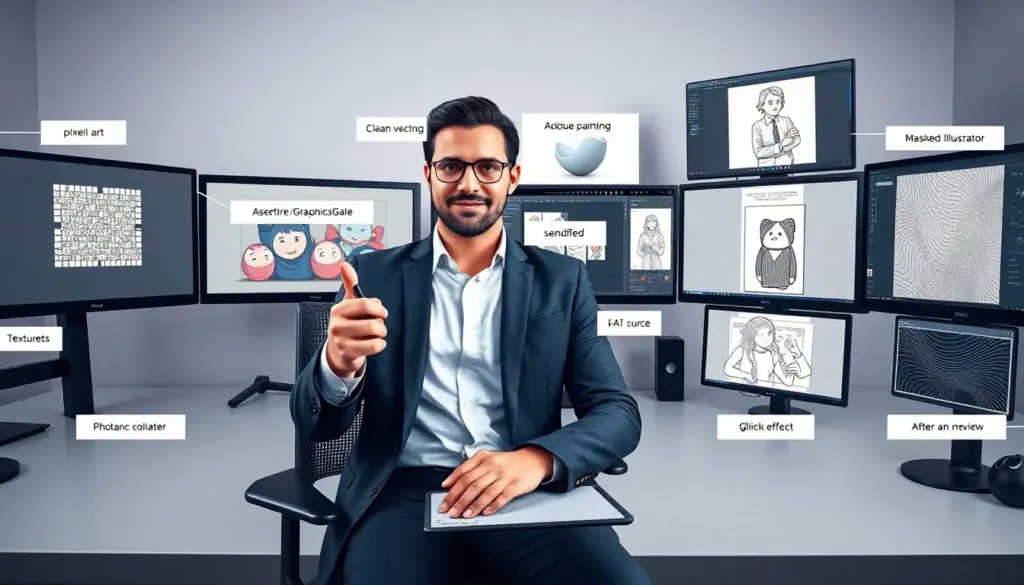
Pixel art uses discrete square pixels to form images and prioritizes economy: limited palettes, deliberate dithering, and a visible grid. It often enforces strict resolution constraints, which teaches clarity of silhouette and color language ideal for game sprites, icons, and retro aesthetics. Vector art uses mathematical paths and anchor points to create infinitely scalable graphics with crisp edges and flat or gradient fills. Its strengths are precision, easy editability, and suitability for logos, typography, and large-format print where scaling without loss is required. Digital painting mimics traditional media using pressure-sensitive brushes, textured brushes, and layered blending modes; it emphasizes painterly gesture, color mixing, and atmospheric lighting useful for concept art, portraits, and editorial illustration.
3D art builds objects and scenes in three dimensions with modeling, UV unwrapping, procedural texturing, and lighting rigs. It affords realistic materials and interactive viewpoints, making it the go-to for product visualization, animation, and immersive experiences. Collage and mixed-media digital styles combine photographs, scanned textures, hand-drawn elements, and digital manipulation—artists layer, mask, and color-match to create tactile compositions that work well for editorial spreads and posters. Flat illustration reduces forms to simplified shapes and limited shading to prioritize clear communication and fast readability; it’s common in interfaces, explainer visuals, and brand systems where legibility and iconography matter.
Line art centers on contour, stroke weight, and negative space. Whether clean technical drawing or expressive pen stroke, line work is efficient for comics, diagrams, and minimalist pieces. Glitch and datamosh aesthetics intentionally exploit compression artifacts, channel separations, and temporal distortion to create kinetic, disruptive visuals favored in music visuals, motion design experiments, and pieces that aim to evoke digital decay. Each style has typical constraints and affordances—knowing those helps you choose what to emphasize (clarity, texture, fidelity, or speed) depending on project needs.
How To Choose The Right Style For Your Project
Start by clarifying the project goal: is the priority clarity (icons, UI), mood (illustration, concept), realism (product renders), or quick production (flat or vector assets)? Map the audience and distribution channel: mobile app icons have different constraints than printed posters or large-format ads. Consider platform limits—file size, resolution, animation length—and how the style scales across them. Create a short decision matrix comparing readability, production time, cost, and required technical skill to weigh trade-offs.
Use rapid prototyping: sketch three thumbnail directions in the candidate styles and test them in context (mockup on a phone screen, printed proof, or animated test clip). That quickly reveals which style communicates the message best at working sizes and on the intended device. Factor budget and schedule: some styles (high-detail digital painting or full 3D) demand more time or collaboration, while flat illustration, vector, or limited-palette pixel art can be faster. Finally, align tool availability and team skills—pick a style the team can execute well or plan to outsource specific components where necessary.
Actionable checklist: define communication goal, list constraints (time, budget, platform), make three thumbnails, choose the style that scores highest against your criteria, and plan a small pilot piece to confirm effort estimates before full production.
Essential Tools, Techniques, And Workflows By Style
Pixel artists rely on tiled brushes, limited palettes, and frame-by-frame onion-skin animation. Typical tools include lightweight pixel editors and utilities that support palette management and export options suited for spritesheets. Useful techniques include planning a silhouette-first read, mastering dithering for gradients, and creating reusable tiles for level art. Workflow tips: design at native resolution, test scaled-up versions frequently, and keep a palette file per project to maintain color consistency.
Vector artists use pen tools, boolean operations, gradients, and symbol libraries to speed iterations. Common workflows include building modular components, baking typography into the layout, and exporting multiple resolution assets from a single source file. Techniques to learn: precise curve control, use of clipping masks for complex shapes, and creating reusable style libraries for brand consistency.
Digital painters benefit from pressure-sensitive tablets, layered blend modes, and brush presets that replicate wet/dry media behaviors. Key techniques are color-temperature control, edge management (hard vs soft edges), and constructing forms with light and shadow rather than outlines. Workflows often incorporate blocked-in values, progressive refinement passes, color harmonization, and reference layer management to keep compositions readable as detail is added.
3D artists use polygonal modeling, sculpting, UV unwrapping, PBR (physically based rendering) texturing, and render-pass compositing. Efficient pipelines separate modeling, texturing, lighting, and compositing so teams can parallelize work. Techniques include baking normal and ambient occlusion maps, creating material libraries, and rendering diagnostic passes for faster iterations. For animation, establish rigging and motion pipelines early to avoid late-stage rework.
Collage and mixed-media workflows emphasize high-resolution scans, nondestructive masking, and color-matching techniques. Techniques: building layered compositions with adjustment layers, using blend modes to integrate disparate sources, and creating texture libraries to add tactile cohesion. Motion artists combine keyframes, easing curves, and compositing stacks—typical tools support timeline-based editing and export presets for web, broadcast, or social formats.
Across all styles, adopt robust file management: consistent naming conventions, incremental versioning (v01, v02), regular backups, and a reference board for creative decisions. Automate repetitive tasks where possible (actions, scripts, plugins) and maintain a short production checklist to ensure exports include correct color profiles, bleed/margins, and optimized file formats for the target platform.
Developing Your Signature Digital Art Style: Practice, References, And Iteration
Developing a signature style is deliberate work: set measurable practice goals and structure sessions to target skill gaps. For example, block one week for gesture and silhouette studies, another for color studies, and another for texture experiments. Create small focused studies based on styles you admire—copying elements to learn structure is acceptable as practice, but transition quickly from imitation to recombination so your voice emerges. Keep a labeled reference folder with notes on what specifically you like in each piece (palette choices, edge control, compositional rhythm) and extract replicable principles you can reuse.
Iterate rapidly: make small series—ten thumbnails, five mid-scale studies, one finished piece—that explore a single variable (lighting, palette, stroke). Use peer feedback with clear questions (“Does the focal point read? Is the palette too warm/cool?”) to get actionable input. Track metrics that matter to you—time-to-complete, engagement on published pieces, or client revision counts—and analyze patterns to inform practice priorities.
Limit your toolset initially to reduce friction and deepen mastery: pick one painting app or one vector tool, one brush set, and one export workflow. As you gain confidence, expand intentionally with new tools to fill gaps rather than disperse focus. Remix influences across disciplines—combine vector clarity with painterly texture, or add subtle 3D lighting to flat illustration—to create hybrid signatures that stand out. Finally, publish consistently: a coherent feed or a themed mini-series demonstrates growth and attracts the right audience or clients. Review progress monthly, adjust goals, and archive experiments—treat them as research that feeds long-term style development.